
HP ProIiant BL2x220c G6 Server Blade Maintenance and Serivce Guide

Removal and replacement procedures 40
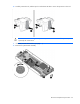
To replace the system board:
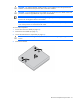
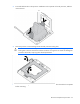
1. Install the spare system board. Be sure the spools on the chassis are fully engaged in the slots in the
system board assembly.
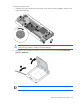
CAUTION: Failure to completely open the processor locking lever prevents the processor from
seating during installation, leading to hardware damage.
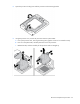
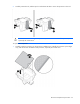
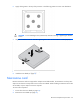
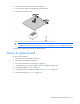
2. Open the processor locking lever and the processor socket retaining bracket. Do not remove the
processor socket cover.
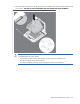
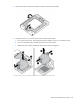
IMPORTANT: Be sure the processor remains inside the processor installation tool.