
HP ProLiant BL280c G6 Server Blade Maintenance and Service Guide


Removal and replacement procedures 40
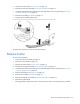
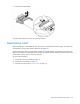
6. Remove the air baffle ("Air baffle" on page 25).
7. Remove the heatsink ("Heatsink" on page 37).
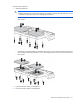
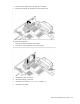
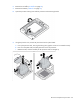
8. Open the processor locking lever and the processor socket retaining bracket.
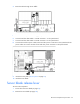
9. Using the processor tool, remove the processor from the system board:
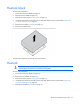
a. Line up the processor tool, ensuring the locking lever graphic on the tool is oriented correctly.
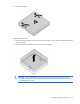
b. Press in on the plastic tabs, and then place the tool on the processor.
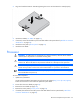
c. Release the tabs, and then carefully lift the processor and tool straight up.