
HP ProLiant BL260c Generation 5 Server Blade Maintenance and Service Guide
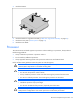
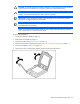
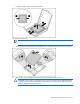
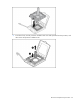
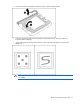
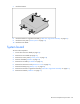
Table Of Contents
- HP ProLiant BL260c Generation 5 Server Blade Maintenance and Service Guide
- Notice
- Contents
- Customer self repair
- Illustrated parts catalog
- Removal and replacement procedures
- Cabling
- Diagnostic tools
- Component identification
- Specifications
- Acronyms and abbreviations
- Index
Removal and replacement procedures 37
4.
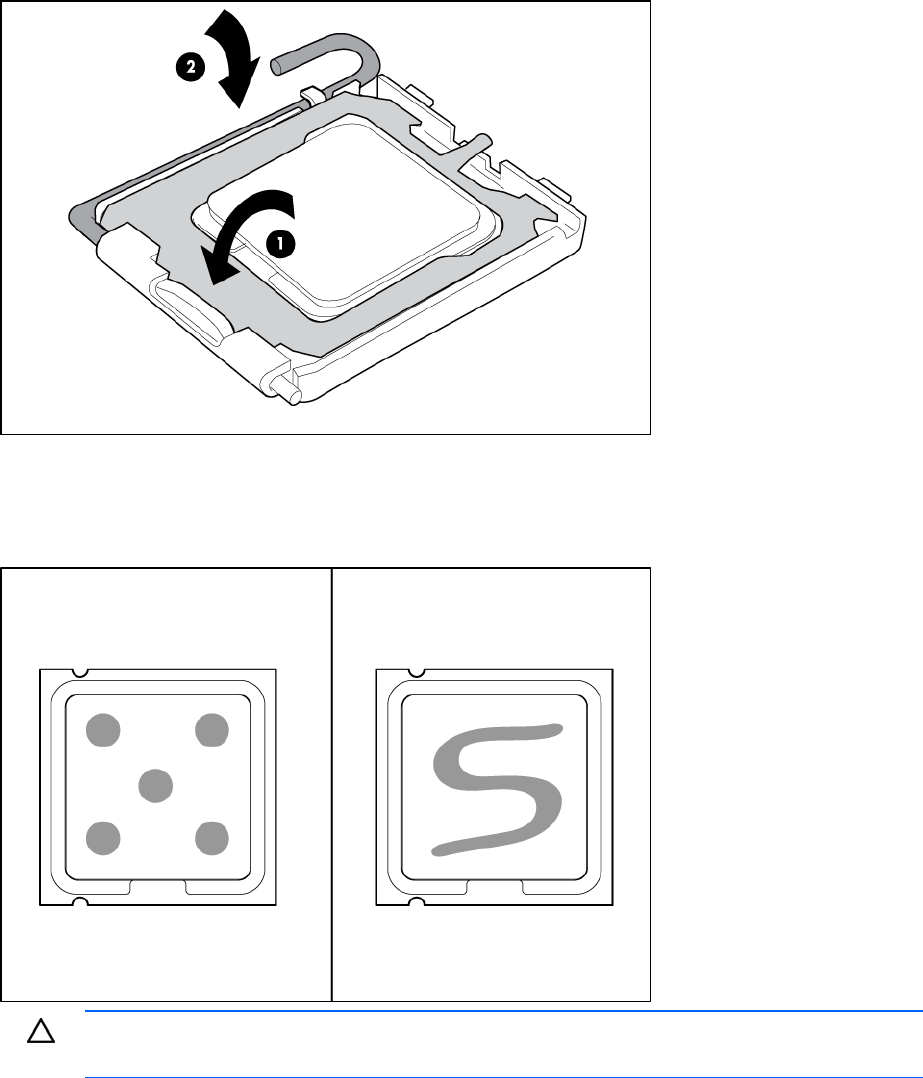
Close the processor retaining latch and the processor socket retaining bracket.
5. Clean the old thermal grease from the heatsink with the alcohol swab. Allow the alcohol to
evaporate before continuing.
6. Apply all the grease to the top of the processor in one of the following patterns to ensure even
distribution:
CAUTION: Heatsink retaining screws should be tightened in diagonally opposite pairs (in an
"X" pattern).