
HP ProLiant BL260c Generation 5 Server Blade Maintenance and Service Guide
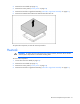
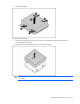
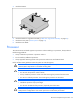
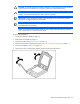
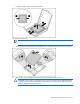
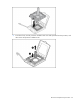
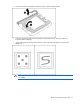
Table Of Contents
- HP ProLiant BL260c Generation 5 Server Blade Maintenance and Service Guide
- Notice
- Contents
- Customer self repair
- Illustrated parts catalog
- Removal and replacement procedures
- Cabling
- Diagnostic tools
- Component identification
- Specifications
- Acronyms and abbreviations
- Index
Removal and replacement procedures 35
7.
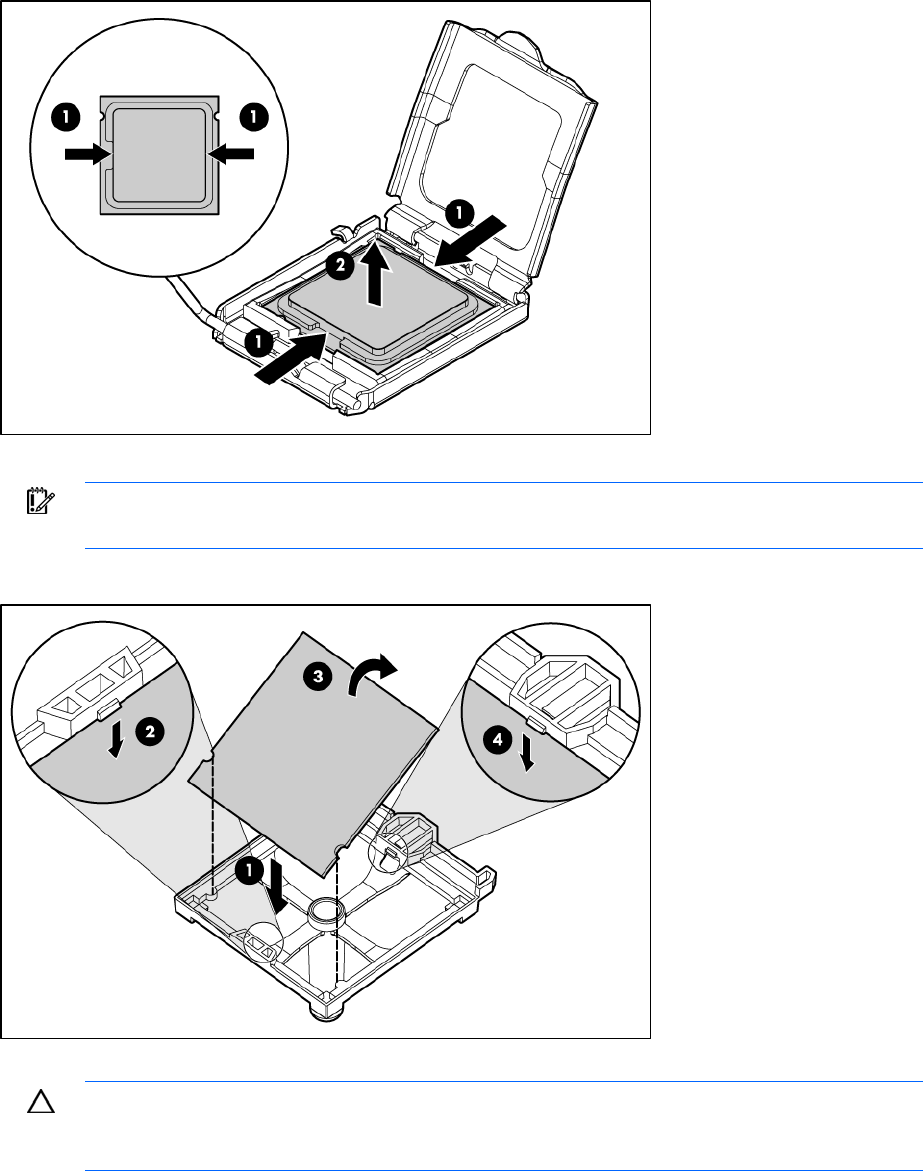
Using your fingers, remove the failed processor.
To replace the component:
IMPORTANT: Be sure the processor remains inside the processor installation tool.
1. If the processor has separated from the installation tool, carefully re-insert the processor in the tool.
2. Align the processor installation tool with the socket and install the spare processor.
CAUTION: The processor is designed to fit one way into the socket. Use the alignment guides
on the processor and socket to properly align the processor with the socket. Refer to the server
blade hood label for specific instructions.