
HP ProLiant BL260c Generation 5 Server Blade Maintenance and Service Guide
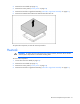
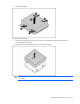
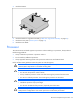
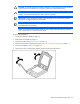
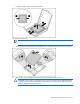
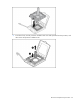
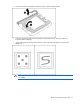
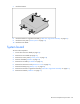
Table Of Contents
- HP ProLiant BL260c Generation 5 Server Blade Maintenance and Service Guide
- Notice
- Contents
- Customer self repair
- Illustrated parts catalog
- Removal and replacement procedures
- Cabling
- Diagnostic tools
- Component identification
- Specifications
- Acronyms and abbreviations
- Index
Removal and replacement procedures 33
3.
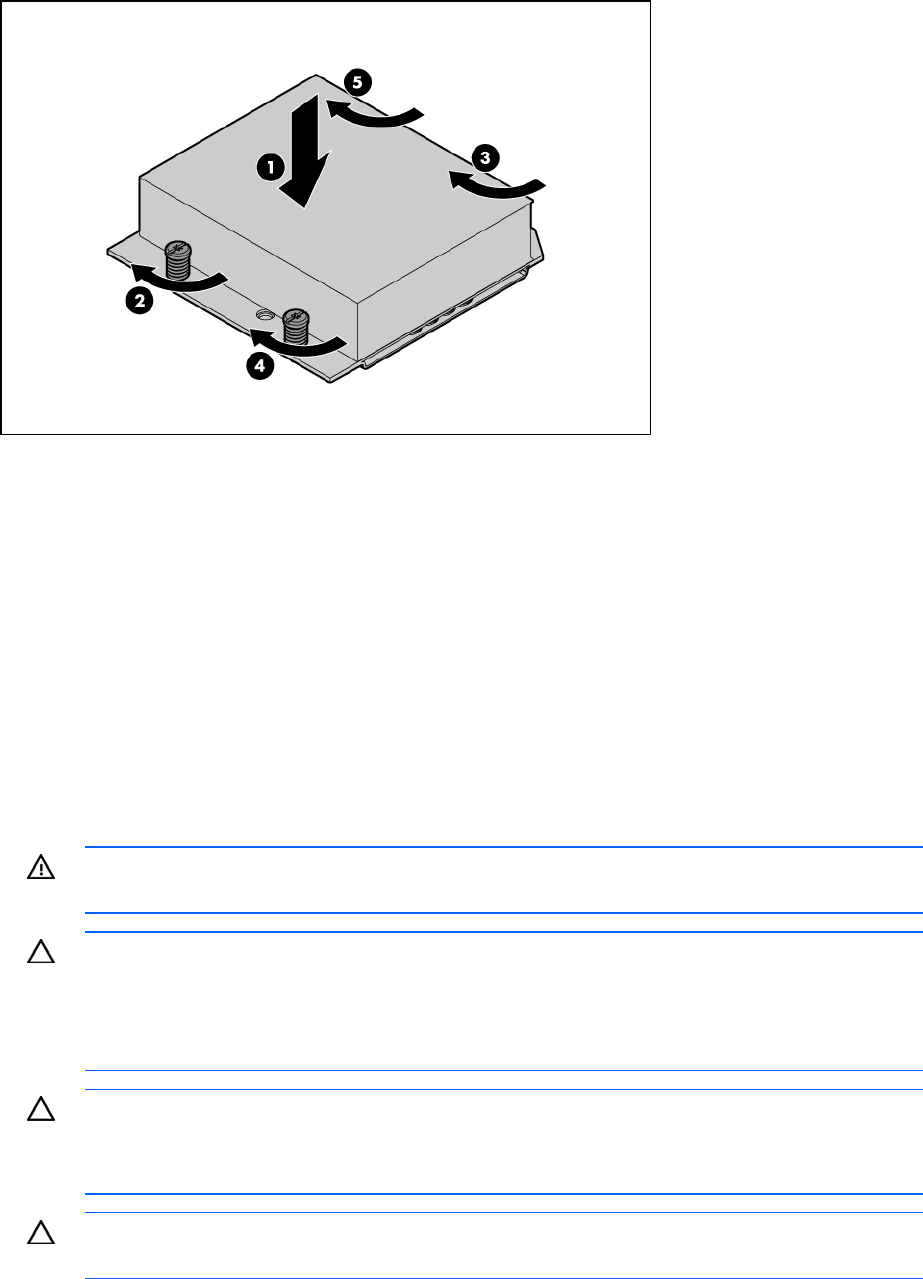
Install the heatsink.
4. Install the hard drive cage/bezel assembly ("Hard drive cage/bezel assembly" on page 27).
5. Install the access panel ("Access panel" on page 24).
6. Install the server blade.
Processor
This HP ProLiant server blade supports uni-processors. When installing a uni-processor, always observe
the following guidelines:
• Always install the uni-processor in processor socket 1.
• Do not install any additional processors.
• Always populate remaining sockets with a processor socket cover and heatsink blank.
Failure to follow these guidelines causes the system to crash during boot.
WARNING: To reduce the risk of personal injury from hot surfaces, allow the drives and the
internal system components to cool before touching them.
CAUTION: To avoid damage to the system board:
• Do not touch the processor socket contacts.
• Always install the processor socket cover after removing the processor from the socket.
• Do not tilt or slide the processor when lowering the processor into the socket.
CAUTION: To avoid damage to the processor:
• Handle the processor only by the edges.
• Do not touch the bottom of the processor, especially the contact area.
CAUTION: To prevent possible server malfunction and damage to the equipment,
multiprocessor configurations must contain processors with the same part number.