
HP ProLiant BL260c Generation 5 Server Blade Maintenance and Service Guide
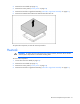
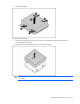
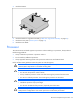
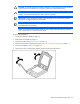
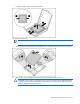
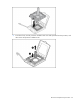
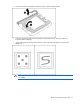
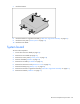
Table Of Contents
- HP ProLiant BL260c Generation 5 Server Blade Maintenance and Service Guide
- Notice
- Contents
- Customer self repair
- Illustrated parts catalog
- Removal and replacement procedures
- Cabling
- Diagnostic tools
- Component identification
- Specifications
- Acronyms and abbreviations
- Index
Removal and replacement procedures 32
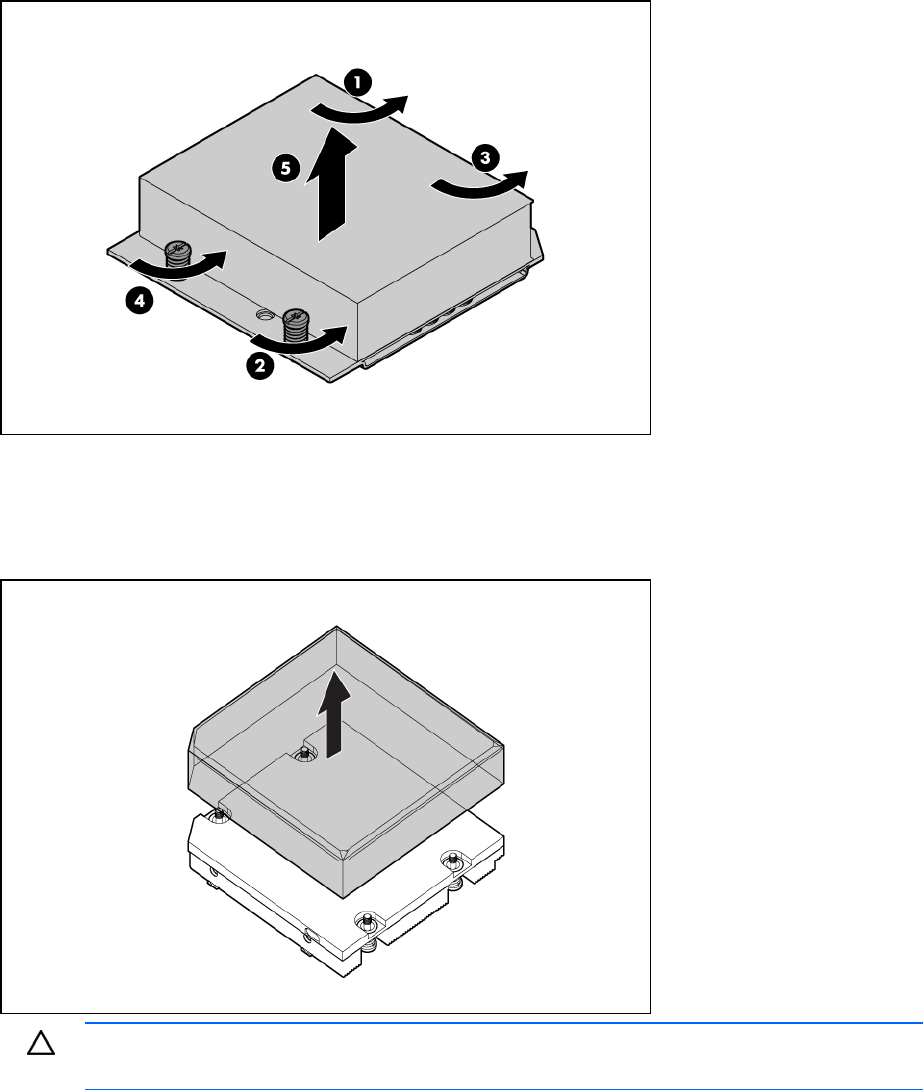
5.
Remove the heatsink.
To replace the component:
1. Clean the old thermal grease from the processor with the alcohol swab. Allow the alcohol to
evaporate before continuing.
2. Remove the thermal interface protective cover from the heatsink.
CAUTION: Heatsink retaining screws should be tightened in diagonally opposite pairs (in an
"X" pattern).