
HP ProLiant BL260c Generation 5 Server Blade Maintenance and Service Guide
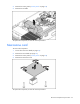
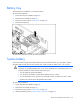
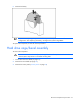
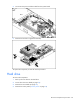
Table Of Contents
- HP ProLiant BL260c Generation 5 Server Blade Maintenance and Service Guide
- Notice
- Contents
- Customer self repair
- Illustrated parts catalog
- Removal and replacement procedures
- Cabling
- Diagnostic tools
- Component identification
- Specifications
- Acronyms and abbreviations
- Index
Removal and replacement procedures 27
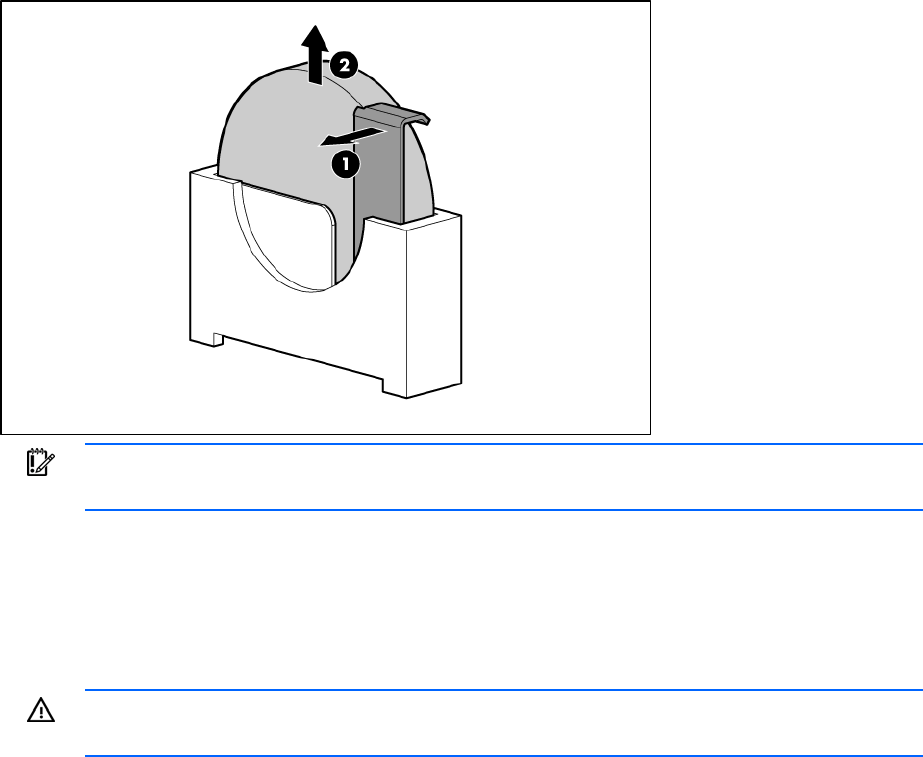
5.
Remove the battery.
IMPORTANT: Replacing the system board battery resets the system ROM to its default
configuration. After replacing the battery, reconfigure the system through RBSU.
To replace the component, reverse the removal procedure.
Hard drive cage/bezel assembly
To remove the component:
WARNING: To reduce the risk of personal injury from hot surfaces, allow the drives and the
internal system components to cool before touching them.
1. Power down the server blade (on page 23).
2. Remove the server blade (on page 23).
3. Remove the access panel ("Access panel" on page 24).