
HP ProLiant BL20p Generation 4 Server Blade Maintenance and Service Guide

Removal and replacement procedures 31
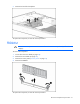
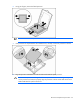
7.
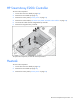
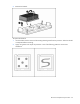
Remove the hard drive backplane.
To replace the component, reverse the removal procedure.
FBDIMM
CAUTION: Use only HP FBDIMMs. FBDIMMs from other sources may adversely affect data
integrity.
To remove the component:
1. Power down the server blade (on page 24).
2. Remove the server blade (on page 24).
3. Remove the access panel ("Access panel" on page 25).
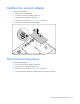
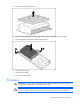
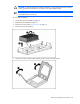
4. Remove the FBDIMM.
To replace the component, reverse the removal procedure.