
HP ProLiant BL20p Generation 2 Server Blade Setup and Installation Guide

Installing the Server Blade and Options
SCSI ID Numbers
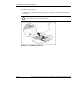
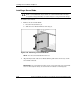
The server blade hot-plug SCSI hard drives have unique SCSI IDs that the system
automatically sets. The IDs number from top to bottom on each server blade.
IMPORTANT: Always populate hard drive bays starting with SCSI ID 0 (the top bay).
Replacing Hot-Plug SCSI Hard Drives
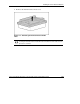
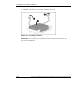
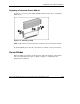
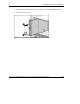
To remove hot-plug SCSI hard drives:
1. Back up all server blade data on the hard drive.
CAUTION: Before removing a hot-plug SCSI hard drive, use the LEDs to
determine the status of the drive. Refer to the “Hot-Plug SCSI Hard Drive”
section in Appendix E, “LEDs and Switches.”
CAUTION: If you are replacing a drive that is part of an array, refer to the HP
ProLiant Servers Troubleshooting Guide.
1-18 HP ProLiant BL20p Generation 2 Server Blade Setup and Installation Guide
HP CONFIDENTIAL
Writer: Amy Clute File Name: b-ch1 Installing the Server Blade and Options.doc
Codename: Nipper Part Number: 307158-002 Last Saved On: 9/8/03 2:09 PM