
HP ProLiant BL System Common Procedures Guide

Server Blade Recovery
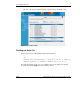
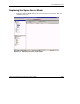
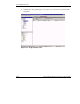
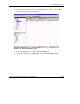
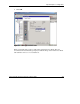
3. After the new server blade is recognized by RDP as the “Spare,” drag and drop
the spare to the appropriate group below.
Figure 2-19: Drag and drop the spare
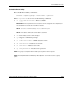
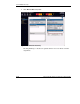
4. In the Insight Manager 7 Console, click the Settings tab.
5. On the left-hand menu, click Discovery, and then Automatic Discovery.
HP ProLiant BL System Common Procedures Guide 2-25
HP CONFIDENTIAL
Writer: Jennifer Hayward File Name: c-ch2 Server Blade Recovery.doc
Codename: Part Number: 351360-001 Last Saved On: 12/9/03 4:21 PM