
ProLiant BL e-Class C-GbE Interconnect Switch Web-based Interface Reference Guide

Configuring the Switch Modules using the Web-based Interface
Monitoring MAC Address Forwarding Table
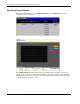
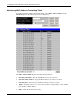
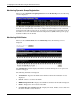
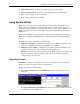
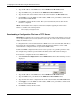
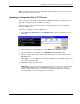
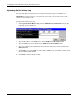
To monitor the MAC Address Forwarding Table, select MAC Address Table from the
Monitoring menu. The following screens are displayed.
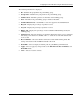
The MAC Address Table displays the following information:
•
•
•
•
•
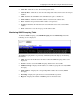
Search by VLAN ID—Type the VLAN ID you want to search for.
Search by MAC Address—Type the MAC address you want to search for.
Search by Port—Select the port number for which you want to search.
Jump—Click this to move to a sector of the database corresponding to a user defined
port, VLAN, or MAC address.
Find—Click this to find the data entry.
2-60 HP ProLiant BL e-Class C-GbE Interconnect Switch Web-based Interface Reference Guide