
Use Guide - 5th Chapter: Problem Solving

Chapter 5 Problem solving 85
Clearing jams
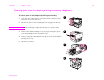
Clearing jams from the input tray areas
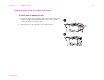
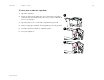
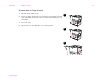
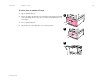
To clear jams in optional Tray 1
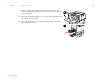
1 Check for paper in the optional Tray 1 area, and remove any
paper from this area. Carefully check to be sure you have
removed all pieces of torn paper.
2 Open and close the right door to reset the printer.
1
2