
HP Integrity rx1600 Operation and Maintenance Guide

Chapter 4
Installing and Configuring
Installing Processors and Memory
35
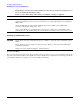
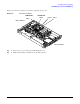
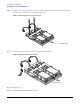
Each processor has an associated power pod that is required by the processor.
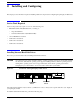
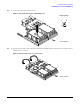
Figure 4-4 Processor Location
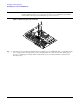
Step 1. Remove the cover. See “Removing and Replacing the Cover”.
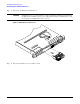
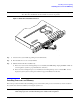
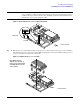
Step 2. If CPU airflow blocker is installed, remove the airflow blocker.
CPU 0
CPU 1
POWER POD
CPU 1
POWER POD
CPU 0
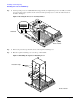
Rear of Chassis
Front of Chassis