
Integrated Lights-Out 3 Virtual Serial Port configuration and operation HOWTO, 6th edition
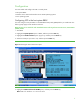
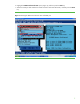
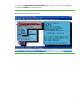
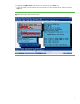
Table Of Contents
- Introduction
- Conceptual overview
- Security
- Configuration
- Operation
- Known issues
- For more information
- Call to action
4
Configuration
You must enable and configure the VSP in several places:
• Host system RBSU
• Windows Server 2003 and Windows Server 2008 operating systems
• Linux operating system
Configuring VSP in the host system RBSU
You must configure some parameters in the ROM Based Setup Utility (RBSU) before you enable VSP. The
following steps apply to both Windows and Linux.
HP ProLiant server models with standard Universal Asynchronous Receiver/Transmitter
(UART) mode
1. Start RBSU.
2. Highlight the System Options option in RBSU, and then press the Enter key.
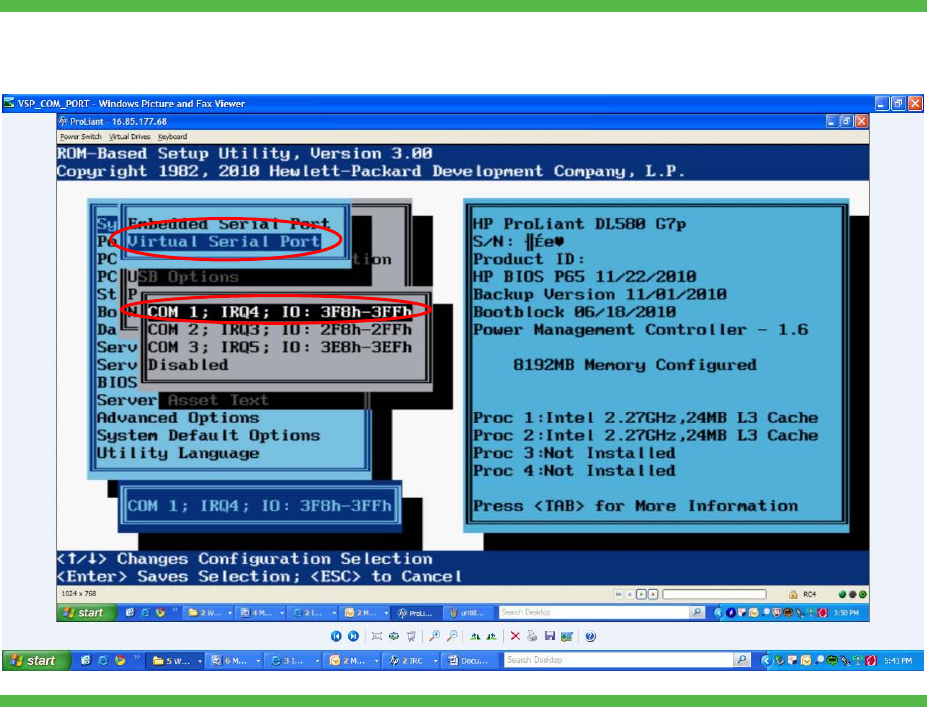
3. Highlight the Virtual Serial Port option (Figure 2), and then press the Enter key.
4. Select the COM port you want to use, and then press the Enter key.
Figure 2. Selecting the Virtual Serial Port option
5. Highlight the BIOS Serial Console & EMS option, and then press the Enter key.
Note: EMS is for Windows. It is not use for Linux.