
Integrated Lights-Out 3 Virtual Serial Port configuration and operation HOWTO, 6th edition
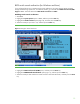
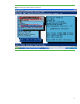
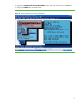
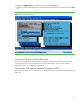
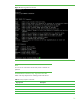

Table Of Contents
- Introduction
- Conceptual overview
- Security
- Configuration
- Operation
- Known issues
- For more information
- Call to action
15
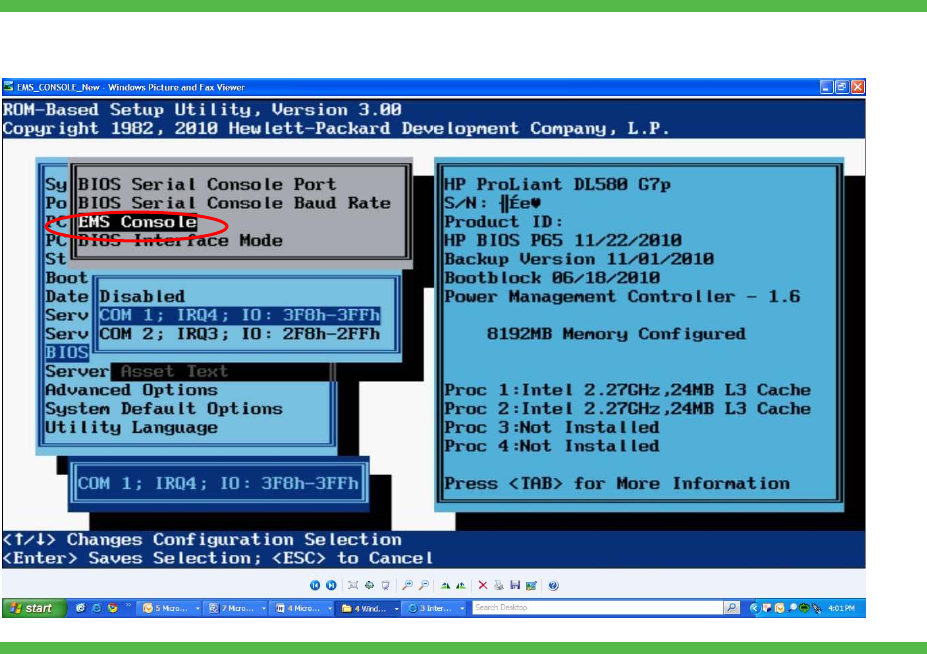
10. Highlight the EMS Console option (Figure 9), and then press the Enter key.
11. Select the COM port that matches the Virtual Serial Port value selected earlier, and then press the Enter
key.
Figure 9. Setting the EMS Console
How to use VSP from a Secure Shell client
You must use an SSH client to provide secure, non-browser access to the VSP. Make sure you set the
connection type to be a secure shell. You can use various SSH clients to connect to iLO. Specific
instructions for their use are application dependent.
How to enter VSP from the command line protocol (CLP)
After you log into iLO through an SSH session, iLO displays the CLP prompt. Use the CLP to enter VSP (see
Figure 10).