27
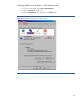
Setting custom security levels
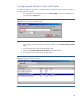
1. From your Home page, select Tools > Internet Options.
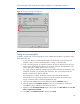
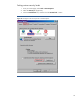
2. Select the Security tab (Figure 20).
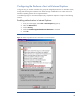
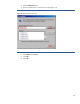
3. Click the Local Intranet icon, and then click the Custom level… button.
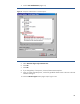
Figure 20: Configure custom security levels in Internet Explorer.