
Configuring HP Integrated Lights-Out 3 with Microsoft Active Directory HOWTO

18
Canceling tests
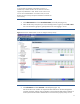
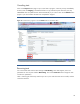
Click on the Stop Test button (Figure 15) to cancel tests in progress. A test may not stop immediately.
Directory tests with Stopping in the Result field have not yet reached a point where they can stop.
HPQLOMIG does not update the test results automatically if you cancel a test. Use the Refresh button
(Figure 15) to check whether the tests have completed or stopped.
Figure 15: Cancel tests in progress or use the Refresh button to check their status.
Rerunning tests
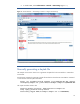
You cannot restart tests until the status changes to Not Running. Once that happens, enter new
parameters to rerun any tests listed as Not Running. Then use the Start Test button to begin the tests
with the new parameters.
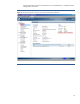
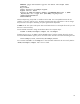
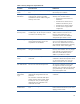
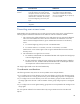
Table 1 lists the types of directory tests that you can run, the result when tests are successful, and the
result when tests fail.