
HP Integrated Lights-Out 2 Management Processor Scripting and Command Line Resource Guide
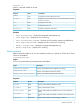

Properties
DescriptionAccessProperty
Sets the boot order for a given boot sourceRead/write
bootorder
Examples
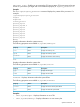
• set /system1/bootconfig1/bootsource(n) bootorder=(num)
• show /system/bootconfig1 – Displays the complete boot configuration
• show /system1/bootconfig1/bootsource1 – Displays the boot order for bootsource1
LED commands
LED commands are used to change the state of the UID light on the server. LED settings are available
at:
/system1/led1
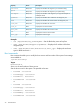
DescriptionProperty
Turns the LED on
start
Turns the LED off
stop
Displays the LED status
show
Examples
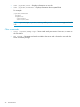
• show /system1/led1 – Displays current LED status
• start /system1/led1 – Turns LED on
• stop /system1/led1 – Turns LED off
iLO 2.00 CLI support
Simple UID CLI commands introduced in iLO 1.60 are still supported.
• uid – Displays the current UID state on the server
• uid on – Turns the UID light on
• uid off – Turns the UID light off
Instead of using the simple commands, the following examples show the new CLP format:
• show /system1/led1 – Verifies LED status
• start /system1/led1 – Turns LED on
• stop /system1/led1 – Turns LED off
System properties and targets
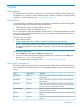
The properties and targets, described in this section, provide information about the server.
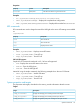
Targets
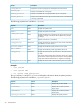
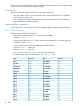
DescriptionTarget
Displays the average power reading from the last sample.
oemhp_PresentPower
Displays the average power reading from the past 24 hours.
oemhp_AveragePower
Displays the greatest peak power reading from the past 24 hours.
oemhp_MaxPower
Specific commands 33