
Insight Environmental Configuration User Guide






Creating a project 77
Configuring lighting power
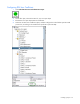
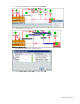
1. Select Calculations>Power Calculations>User Input.
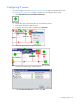
2. On the floor plan, select the location for your user input object.
3. Rename the user input object Lighting.
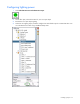
4. Select the new Lighting object, and then configure the Value field to equal a constant kW value. You
can calculate the kW value using a handheld clamp meter.