
Insight Environmental Configuration User Guide






Creating a project 71
8.
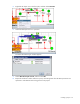
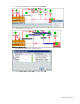
Select the PDU Loss Coefficient object.
The Select Association Type window appears.
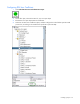
9. Select Right Factors User Value, and then select OK.
Configuring PDU Input Power
You must configure all devices used to measure IT power prior to configuring PDU input power for PUE
data, including all PDU, RPP, and UPS devices.
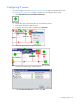
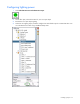
1. Select Calculations>Power Calculations>Sum Operation.
2. On the floor plan, select the location for your sum operation object.
3. Rename the sum operation object PDU Input Power.
4. Select a device that is used to calculate IT power.