
Insight Environmental Configuration User Guide






Creating a project 30
2.
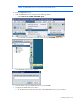
Select the Leak Detector icon.
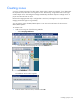
3. On the floor plan, select the location where the leak detector is installed. A graphic representing
your leak detector object is added to your floor plan.
4. Select the new leak detector object to configure the properties for the sensor.
5. Repeat for all leak detector sensor locations.
Adding a door sensor object
A door sensor is a magnetic switch that monitors whether or not a rack door is open or closed. Door
sensors are used in cold aisles to maintain the integrity of the cold aisle and not for security purposes.
To add a door sensor object to your floor plan:
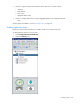
1. Select Configurations>General>Wireless.