
Insight Environmental Configuration User Guide






Creating a project 22
NOTE: An SNMP data source is required for each SNMP device.
To create an SNMP data source:
1. Add an SNMP data source using one of the following options:
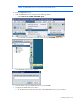
o Select Data Sources>SNMP> Add SNMP Agent.
o From the side of the Data Sources tab, select one of the Add SNMP agent icons.
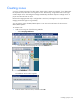
The Add SNMP Agent window appears.
2. Enter the name of the new SNMP data source, and select OK.
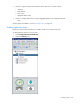
3. Configure the SNMP data source device.
a. On the Data Sources tab, select the name of the SNMP data source you just created.