Insight Environmental Configuration User Guide
Manuals
Brands
HP Manuals
Computer Accessories
HP Environmental Observer Software Option
111
112
113
114
115
116
117
118
119
120
Appendix
116
3.
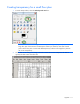
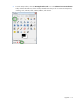
From the Gimp toolbox, select the
Se
lect
by Col
or T
ool
i
con in the
Inter
sect with Curr
ent Selectio
n
mode.
4.
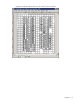
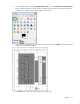
Click the hand cursor on a f
loo
r tile to sele
ct transparent areas. The sele
cted area is shown with
dotted lines.
1
...
...
114
115
116
117
118
...
...
123