
Notebook Tour - Windows Vista

1–14 Notebook Tour
Components
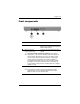
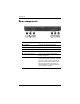
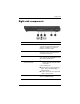
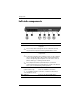
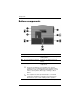
Bottom components
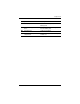
Component Description
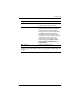
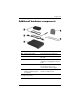
1 Docking connector Connects the computer to an optional
docking device.
2 Accessory battery connector Connects an optional accessory
battery.
3 Vents (2) Enable airflow to cool internal
components.
Ä
To prevent overheating, do not obstruct vents. Use the
computer only on a hard, flat surface. Do not allow another
hard surface, such as an adjoining optional printer, or a soft
surface, such as pillows, thick rugs, or clothing, to block
airflow.
✎
The computer fan starts up automatically to cool internal
components and prevent overheating. It is normal for the
internal fan to cycle on and off during routine operation.
(Continued)