
Startup Guide, Enhanced for Accessibility:
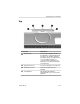
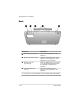

Identifying Exterior Hardware
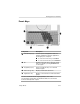
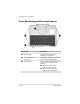
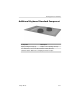
Front: Positioning and Security Features
Component Description
1
Rotation disk Rotates the tablet PC while it is
attached to the keyboard.
2
Docking alignment Help guide the tablet PC and keyboard
notches (4) into an optional Docking Station.
3
Keyboard latch When the tablet PC and keyboard are
closed, locks the tablet PC to the
keyboard:
■ Slide to the right to lock the
tablet PC to the keyboard.
■ Slide to the left to unlock the
tablet PC from the keyboard.
5–24 Startup Guide