Setting Up the Tablet PC
Startup Guide 1–13
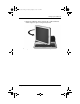
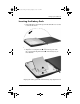
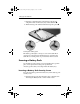
3. Rotate the tablet PC on the rotation disc counterclockwise
until it snaps into place facing the keyboard.
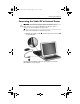
Rotating the tablet PC toward the front of the keyboard
334201-001.book Page 13 Tuesday, August 19, 2003 11:17 AM