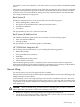
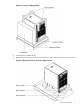
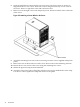
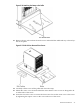
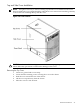
Figure 2-15 Top Cover Detail
Installing the Top Cover
1. Orient the cover according to its position on the chassis.
2. Slide the cover into position using a slow, firm pressure to properly seat the cover.
3. Tighten the blue retaining screws securing the cover to the chassis.
50 Installation