
HP 9000 rp8420 Server - User Service Guide, Fifth Edition
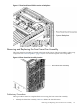
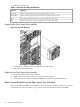
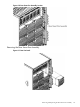
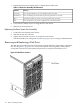
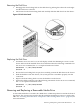
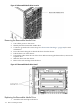
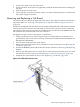

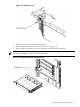
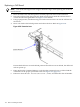

Figure 6-18 Extraction Lever
5. Pull out on each lever to unseat the cell board.
6. Slide the cell board from the chassis. See Figure 6-19 (page 119).
7. Follow proper procedures to remove and replace all FRUs on the cell board.
NOTE: See “Removing and Replacing a Central Processing Unit” (page 139) and “Removing
and Replacing DIMMs” (page 136) for the procedures.
Figure 6-19 Cell Board Removal and Replacement
Removing and Replacing a Cell Board 119