
HP 9000 rp8420 Server - User Service Guide, Fifth Edition
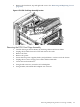
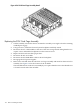
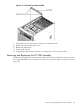

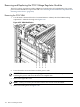
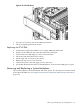
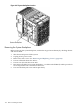
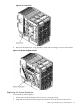
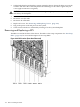

Figure 6-55 PCI-X Card Assembly Air Baffle
9. Install PCI fans, PCI panel, top and side covers, and front bezel.
10. Replace the top and right side covers.
11. Replace the front bezel.
12. Power up the system.
13. Using the PS command, the "domains" are referred to as chassis 0 (zero) and 1.
Removing and Replacing the PCI OLR Assembly
The PCI OLR assembly is located in the rear of the chassis. The system power must be turned
off to replace this FRU. See “Powering down Hardware Components and Powering on the Server”
(page 103).
Removing and Replacing the PCI OLR Assembly 163