
Switch 7700 Configuration Guide, v2

System Maintenance and Debugging 15
■ Setting the System Clock
■ Set the Time Zone
■ Setting Daylight Saving Time
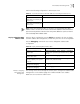
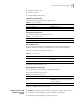
Setting the System Name
Perform the following commands in system view.
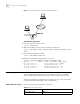
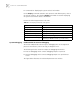
Setting the System Clock
Perform the following command in user view.
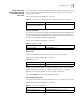
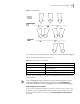
Set the Time Zone
You can configure the name of the local time zone and the time difference
between the local time and the standard Universal Time Coordinated (UTC).
Perform the following commands in user view.
By default, the UTC time zone is set.
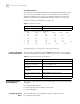
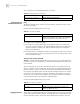
Setting Daylight Saving Time
You can set the start and end time of daylight saving time.
Perform this command in user view.
By default, daylight saving time is not set.
Display the State and
Information of the
System
The display commands can be classified as follows according to their functions.
■ Commands for displaying the system configuration information
■ Commands for displaying the system running state
Table 28 Set System Name
Operation Command
Set the switch name sysname sysname
Restore the switch name to the default name undo sysname
Table 29 Set the System Clock
Operation Command
Set the system clock clock datetime HH:MM:SS YYYY/MM/DD
Table 30 Set Time Zone
Operation Command
Set the local time clock timezone zone_name { add | minus }
HH:MM:SS
Restore to the default UTC time zone undo clock timezone
Table 31 Set Daylight Saving Time
Operation Command
Set the name and range of daylight saving
time.
clock summer-time zone_name { one-off |
repeating } start-time start-date end-time
end-date offset-time
Remove the setting of the summer time undo clock summer-time