
HP PCIe IO Accelerator for ProLiant Servers User Guide

Windows Server environments 60
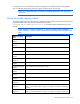
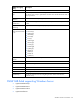
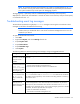
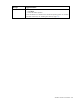
Message Suggested solution
2 Select your unattached IO Accelerator from the Device Tree.
3 Click Attach.
4 Confirm the Attach operation.
Your IO Accelerator now attaches to the Windows® operating system. To re-enable
auto attach at boot time, see "Enabling auto attach (on page 91)."