
- HP 3PAR StoreServ 7000 Storage Installation Guide
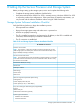
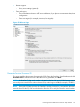



4. Click Next to continue the SP configuration. This wizard enables Remote Support upon
completion.
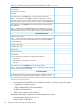
Figure 50 Remote Support Page
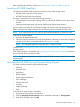
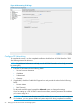
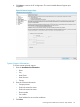
System Support Information
To receive remote technical support:
1. Enter the Installation Site Information:
• Street
• City
• Postal Code
• State/Province
• Country
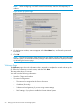
2. Enter the Customer Information:
• Company Name
• Technical contact first name
• Technical contact last name
• Phone number
• Fax number
• Email address for service alert notification
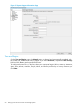
3. Click Next.
Launching the HP 3PAR Service Processor Setup Wizard 59