
HP 3PAR Recovery Manager Diagnostics Tool for Hyper-V User Guide (QL226-97315, February 2014)

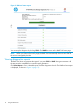

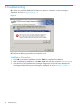
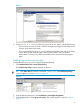

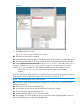

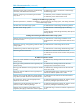
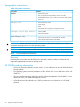

Figure 2 RMD tool status report
You can stop the diagnosis by clicking STOP. Click BACK to return to the RMD Tool home page.
NOTE: When you return to the home page, the RMD Tool automatically discovers and lists all
the servers managed by the RM.
Viewing diagnostics reports
The RMD Tool does not generate the report if you press STOP or BACK during test execution. All
the tests must be completed for successful report generation.
Click View Report to view a detailed report of all the diagnostics checks. The RMD tool test report
is displayed, as shown in Figure 3 (page 13)
12 Using the RMD Tool