
Basic Operation Guide 2013/06

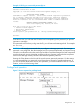
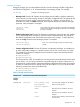
Table Of Contents
- Switch Software
- Contents
- 1 Commands found in the Basic Operation Guide
- 2 Getting started
- 3 Using the Menu Interface
- 4 Using the Command Line Interface (CLI)
- Overview
- Accessing the CLI
- Using the CLI
- Return message types with CLI commands
- CLI interactive commands
- CLI control and editing
- 5 Using the HP WebAgent
- 6 Switch memory and configuration
- Overview
- Configuration file management
- Using the CLI to implement configuration changes
- Creating a custom default configuration
- Using the menu and WebAgent to implement configuration changes configuration file
- Zeroization
- Using Primary and Secondary flash image options
- Multiple configuration files
- Display configuration of selected interface
- Automatic configuration update with DHCP Option 66
- 7 Interface access and system information
- 8 Configuring IP addressing
- Overview
- IP configuration
- Loopback interfaces
- IP Preserve: retaining VLAN-1 IP addressing across configuration file downloads
- Configuring a single source IP address
- 9 Software management
- Downloading switch documentation and software from the web
- Viewing or downloading the software manual set
- Downloading software updates for your switch
- Software signing and verification
- Saving configurations while using the CLI
- Important: Best Practices for software updates
- Updating the switch: overview
- Updating the switch: detailed steps
- Rolling back switch software
- Viewing or transferring alternate configuration files
- Downloading switch documentation and software from the web
- Index
Example 10 CLI log-on screen with password(s) set
HP J8697A Switch 5406zl
Software revision K.15.12.0001
Copyright (C) 1991-2013 Hewlett-Packard Development Company, L.P.
RESTRICTED RIGHTS LEGEND
Confidential computer software. Valid license from HP required for possession,
use or copying. Consistent with FAR 12.211 and 12.212, Commercial Computer
Software, Computer Software Documentation, and Technical Data for Commercial
Items are licensed to the U.S. Government under vendor's standard commercial
license.
HEWLETT-PACKARD DEVELOPMENT COMPANY, L.P.
20555 State Highway 249, Houston, TX 77070
We'd like to keep you up to date about:
* Software feature updates
* New product announcements
* Special events
Please register your products now at: www.hp.com/networking/register
Username:
In the above case, you will enter the CLI at the level corresponding to the password you provide
(operator or manager).
If no passwords are set when you log onto the CLI, you will enter at the Manager level. For example:
HP Switch# _
CAUTION: HP strongly recommends that you configure a Manager password. If a Manager
password is not configured, then the Manager level is not password-protected, and anyone having
in-band or out-of-band access to the switch may be able to reach the Manager level and compromise
switch and network security. Note that configuring only an Operator password does not prevent
access to the Manager level by intruders who have the Operator password.
Pressing the Clear button on the front of the switch removes password protection. For this reason,
it is recommended that you protect the switch from physical access by unauthorized persons. If
you are concerned about switch security and operation, you should install the switch in a secure
location, such as a locked wiring closet.
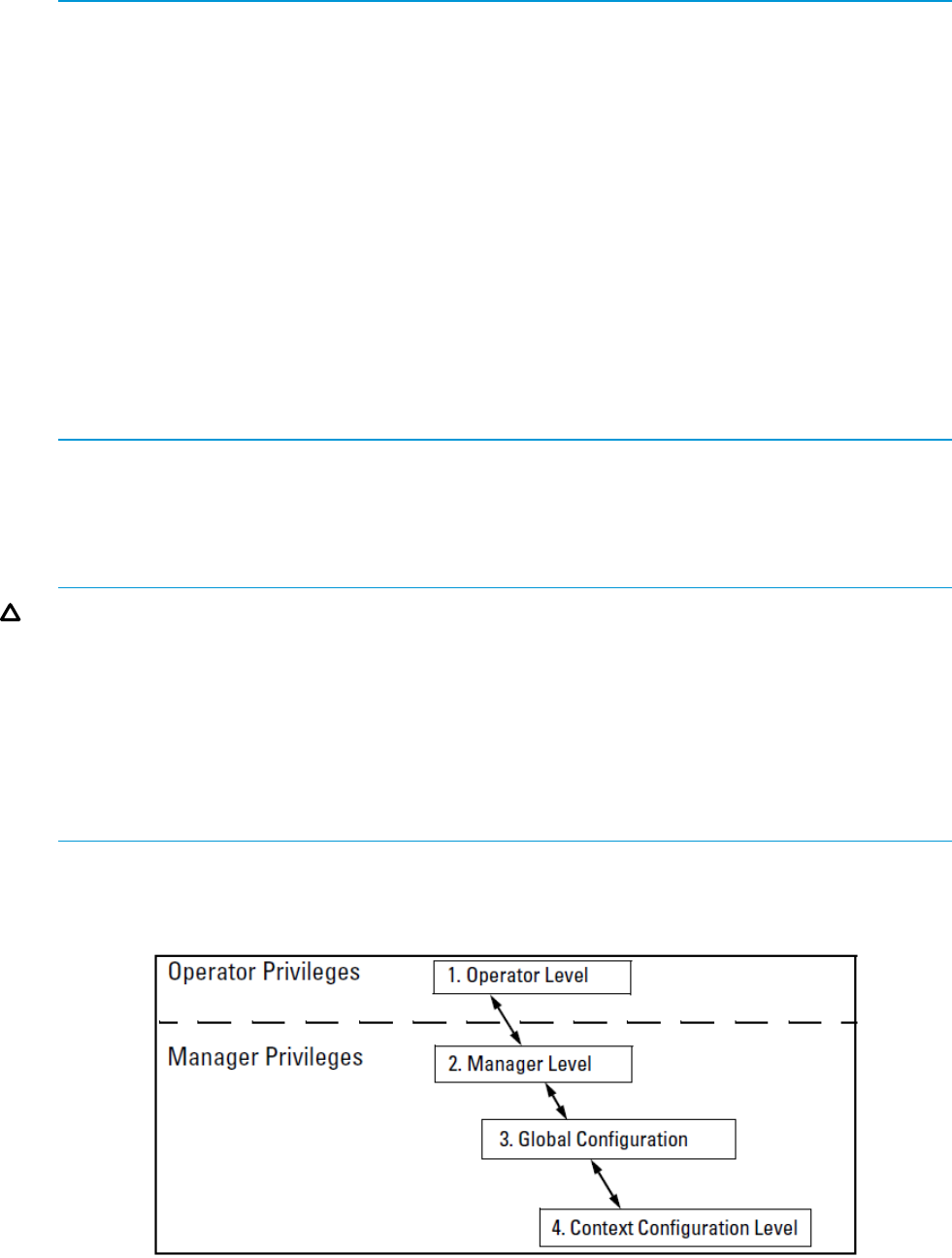
Privilege level operation
Figure 7 Access sequence for privilege levels
Using the CLI 27