System information
Manuals
Brands
HP Manuals
Computers
13-m005tu x2
41
42
43
44
45
46
47
48
49
50
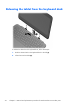
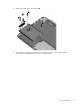
3.
Remove the hard drive f
rom the dock
(3)
.
4.
If you need to remove the hard drive from th
e har
d drive cover, remove the four Phillips
PM3.0×3.0 screws
(1)
that secure the cove
r to the hard drive.
Dock components
37
1
...
...
45
46
47
48
49
...
...
112