
Service and Maintain



System Board Shield
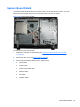
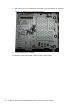
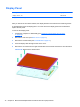
The system board shield sits above the system board. It is secured with five screws. You must
disconnect several cables that route to the system board to remove the shield.
Figure 6-47 System board location
To remove the system board shield:
1. Prepare the computer for disassembly (see
Preparing to Disassemble the Computer
on page 26).
2. Remove the rear cover (see
Rear Cover on page 27).
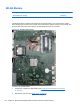
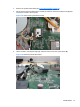
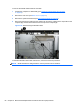
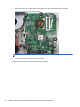
3. Disconnect the following cables from the system board:
●
WLAN cable
●
Inverter cable
●
Power button board cable
●
Webcam cable
●
Fan cable
● Speaker cables
System Board Shield 63