Service and Maintain
Manuals
Brands
HP Manuals
Computers
100B - All-in-One PC
61
62
63
64
65
66
67
68
69
70
5.
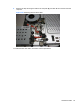
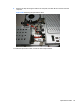
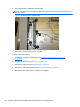
Remove the tape securing the cable to the co
mputer, and then lift th
e connector from the
computer.
Figure 6-39
Removing the optical drive cable
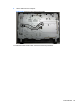
To install the optical d
rive cable, reverse the removal
procedures.
Optical Drive Cable
55
1
...
...
61
62
63
64
65
...
...
98