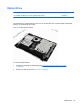
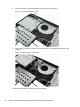
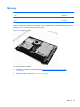
3. Loosen the captive screw that secures the drive to the computer.
Figure 6-12 Loosening the hard drive screw
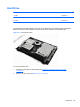
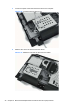
4. Slide the drive to the left to disconnect the cables.
Figure 6-13 Sliding the hard drive to disconnect the cables
36 Chapter 6 Removal and Replacement Procedures All-in One (AIO) Chassis