user manual
Manuals
Brands
HP (Hewlett-Packard) Manuals
All in One Printer
Pro Mfp M521dn Laser Printer A8P79ABGJ
71
72
73
74
75
76
77
78
79
80
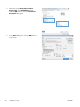
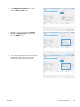
5.
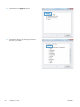
Select the correct
Print page borders
,
Page order
, and
Orientation
options.
Click the
OK
button to
close the
Document
Properties
dialog box.
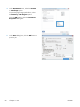
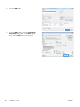
6.
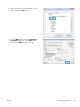
In the
Print
dialog box, click the
OK
button to
print the job.
58
Chapter 4 Pri
nt
ENWW
1
...
...
70
71
72
73
74
...
...
256