
user manual
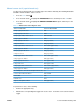



5V laser and 24V interlock and logic switches (and power switch)
Location and testing
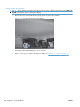
1. Press the power switch to turn the product off then on to test the switch function.
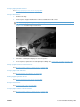
2. Remove the right-front cover. See
Right-front cover on page 103.
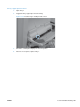
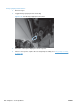
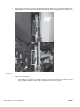
3. Locate the link arms (callout 1) on the front and right doors (and access ports in the covers; callout
2) that actuate the front- and right-door interlock switch (behind the right-front cover).
2
1
2
1
ENWW Tools for troubleshooting 267