
user manual





Cartridge fan and environmental sensor
Before proceeding, remove the following components:
●
Upper-left cover. See
Upper-left cover on page 96.
●
Power-supply cover. See
Power-supply cover on page 98.
●
Left cover. See
Left cover on page 99.
Remove the cartridge fan and environmental sensor
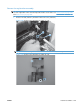
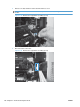
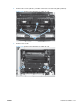
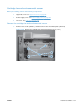
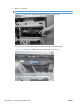
1. Remove four screws (callout 1), and then remove the sheet-metal plate (callout 2).
Figure 2-101 Remove the cartridge fan and environmental sensor (1 of 7)
1
2
ENWW Internal assemblies 137