
User Guide



- 20 -
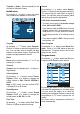
SubWoofer
It is possible to connect an external, active
subwoofer to the set to give a much deeper
bass effect.
By pressing
a
/
b
button, select Subwoofer.
Subwoofer can be set to On or Off.
Set Subwoofer to On when you connect an
external subwoofer to the set.
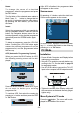
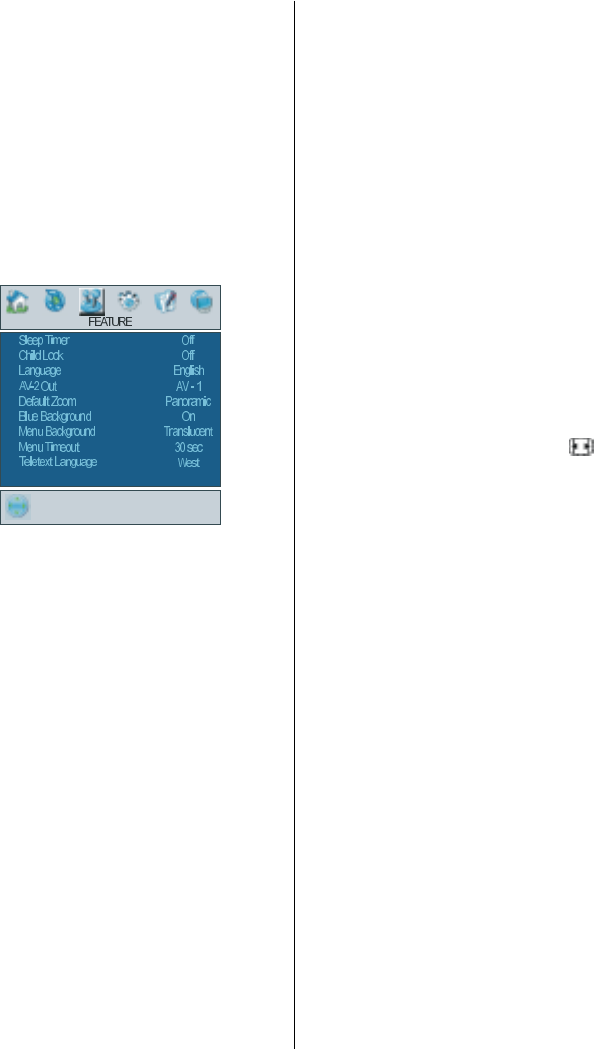
Feature menu
By pressing
_
/
`
button, select the third icon.
Feature menu appears on the screen.
Sleep Timer
By pressing
a
/
b
button, select Sleep
Timer. The timer can be programmed be-
tween Off and 2 hours in steps of 10 minutes
by pressing
_
/
`
button. If sleep timer is acti-
vated, at the end of the selected time, the TV
goes automatically to stand-by mode.
Child Lock
You can use this feature to prevent children
turning the TV on or changing programs or
adjustments etc. without remote control.
The child lock feature can be set by
_
/
`
but-
ton to either on or off. When off is selected,
there will be no difference in the operation of
your TV. When on is selected, the TV can
only be controlled by the remote control
handset. In this case the control panel but-
tons, except the Power on/off button, at the
rear side of the TV will not work. If one of
these buttons is pressed, Child Lock On will
be displayed on the screen.
Language
By pressing
a
/
b
button, select Language.
By pressing
_
/
`
button, you can select the
language.
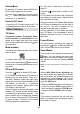
AV-2 Out
By pressing
a
/
b
button, select AV-2 Out.
You can set AV-2 Out to TV, AV-1, AV-3,
AV-4, AV-5, PC RGB or DTT by pressing
_
/
`
button.
Note: Only audio output is available for AV-3,
AV-5 and PC RGB. The other options have
both audio and video outputs.
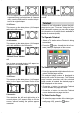
Default Zoom
By pressing
a
/
b
button, select Default
Zoom. You can set Default Zoom to Pan-
oramic, 4:3 or 14:9 Zoom by pressing
_
/
`
button. If there is no WSS or aspect ratio
(picture size) information and zoom mode is
selected as Auto by pressing the
button,
then the zoom mode will automatically
change to Default Zoom setting. See also
Zoom Modes on page 24.
Blue Background
You can set the TV to automatically change
to a blue screen if the signal is weak or ab-
sent, or when there is no input from an exter-
nal device.
The Blue Background feature can be turned
on or off by pressing
_
/
`
button.
Menu Background
By pressing
a
/
b
button, select Menu
Background. You can change menu back-
ground to Translucent or Opaque by press-
ing
_
/
`
button.
Menu Timeout
By pressing
a
/
b
button, select Menu
Timeout. Press
_
/
`
button to change menu
timeout to 15 sec, 30 sec or 60 sec.
Teletext Language
By pressing
a
/
b
button, select Teletext
Language. Press
_
/
`
button to change
Teletext Language to West, East, Cyrillic,