
User Guide



59
Source Menu
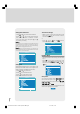
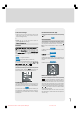
In the Main menu, select “Source” using “ ” or “ ”
key, then enter the Source menu pressing “ ”, “ ”
or “OK” keys.
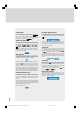
Source
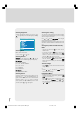
Select the available sources of TV, AV-1,
AV-2, AV-3, S-Video, PC or Digital by pressing “ ”,
“ ” or “OK” keys.
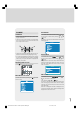
PIP Source Menu
This menu is available when the PIP displayed.
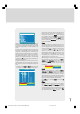
In the Main menu, select “PIP Source” using “ ” or
“ ” key, then select the any available source of TV,,
AV-1, AV-2, AV-3, S-Video or Digital by pressing “ ”,
“ ” then “OK” keys.
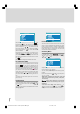
TV
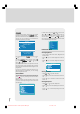
• When the TV is in TV mode, only Digital mode is
watched in PIP window.
• When the TV is in Digital mode, TV and AV are
watched in PIP window.
1549 UK-IDTV TV-DVB-22'' TFT IB-2-(Revised - 19x27).p6501.12.2004, 13:4959