
User Manual



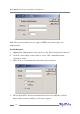
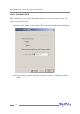
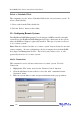

1. Enter a name for the task.
2. Configure the frequency for the task.
3. Set the duration for the task.
4. Check the “Enable the task” option to activate this task.
5. Click “Finish”.
Modify a Scheduled Task
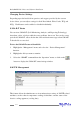
This command is used to change settings for a scheduled task. To Modify a Task
Schedule:
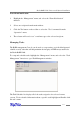
1. Select a task from the Task schedule list.
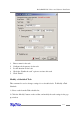
2. Click the “Modify” button on the toolbar, and modify the task settings in the pop-
up window.
RocketRAID 2240 Driver and Software Installation
4-19