
User's Guide


15
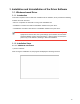
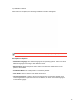
Click "Back" to return to the original interface.
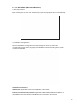
3) Installation Process Interface
Select Install to enter the Driver Installation Process interface.
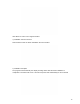
4) Installation Complete
The program will automatically the display message below after the driver installation is
completed. The window will exit in 3 seconds and printer will automatically be set as default.