Desktop Computer User's Guide
Manuals
Brands
Gateway Manuals
Desktop
Profile 4
211
212
213
214
215
216
217
218
219
220
211
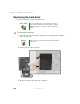
Replaci
ng drives
www
.gatew
a
y
.com
4
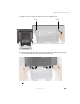
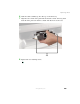
Disconnect the d
rive cable and power cable.
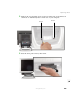
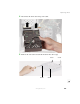
5
Remove the four screws that hold the d
rive into drive cage.
Screw
Scre
w
Screw
Screw
1
...
...
217
218
219
220
221
...
...
284