Desktop Computer User's Guide
Manuals
Brands
Gateway Manuals
Desktop
Profile 4
211
212
213
214
215
216
217
218
219
220
207
Replaci
ng drives
www
.gatew
a
y
.com
2
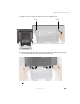
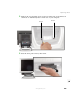
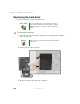
Remove the two retaining screws located on either sid
e of the Microsoft
Certificate of Authentici
ty label on the rear of yo
ur computer
.
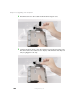
3
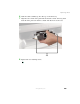
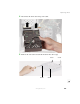
Slide the drive pa
ck forward, then down
.
Scre
w
Screw
1
...
...
213
214
215
216
217
...
...
284