
Quick Start Manual


Table Of Contents
- English
- Français
- Español
- Encendido de la computadora
- Principios básicos de la computadora
- Conocimiento de la computadora
- Actualización de la computadora
- Fuente de alimentación
- Software
- Uso de Windows y el Software
- Centro de bienvenida
- Oferta de seguridad para Internet
- Gateway Recovery Management de
- Gateway My Backup
- Reproducción de archivos multimedia
- Reproducción automática
- Reproducción de archivos descargados
- Reproducción de películas en DVD
- Reproducción de películas Blu-ray
- Dolby Home Theater (opcional)
- Redes sociales (opcional)
- Uso de Windows y el Software
- Internet
- Centro de asistencia técnica
- Recuperación
- Información reglamentaria
- Medioambiente
- Licencia de Software
- Índice
- Português
- 日本語
- 繁體中文
- 简体中文
- Bahasa Indonesia
- ไทย
Upgrading your computer - 29
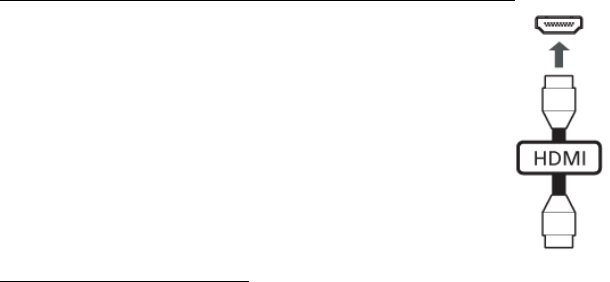
High-Definition Multimedia Interface (only for certain models)
HDMI (High-Definition Multimedia Interface) is an industry-
supported, uncompressed, all-digital audio/video interface.
HDMI
provides an interface between any compatible digital
audio/video source, such as a set-top box, DVD player, and
A/V receiver and a compatible digital audio and/or video
monitor, such as a digital television (DTV), over a single
cable.
Use the HDMI port on your computer to connect with high-
end audio and video equipment. Single c
able
implementation allows tidy setup and fast connection.
Headphones and microphone
These two ports allow you to connect audio devices. Use the headphone
port to plug in stereo headphones or powered speakers. Plugging an
audio device to the headphone port disables the built-in speakers. Use the
microphone port to connect an external microphone for mono recording;
plugging in an external microphone disables the built-in microphone.