
Quick Start Manual


Table Of Contents
- English
- Français
- Español
- Encendido de la computadora
- Principios básicos de la computadora
- Conocimiento de la computadora
- Actualización de la computadora
- Fuente de alimentación
- Software
- Uso de Windows y el Software
- Centro de bienvenida
- Oferta de seguridad para Internet
- Gateway Recovery Management de
- Gateway My Backup
- Reproducción de archivos multimedia
- Reproducción automática
- Reproducción de archivos descargados
- Reproducción de películas en DVD
- Reproducción de películas Blu-ray
- Dolby Home Theater (opcional)
- Redes sociales (opcional)
- Uso de Windows y el Software
- Internet
- Centro de asistencia técnica
- Recuperación
- Información reglamentaria
- Medioambiente
- Licencia de Software
- Índice
- Português
- 日本語
- 繁體中文
- 简体中文
- Bahasa Indonesia
- ไทย
Getting to know your computer - 17
• Rotate: Rotate photos or PDF files in 90° steps with a two-finger pivot
motion.
• Scroll: Swiftly navigate web pages, documents and music playlists up
or down by moving two fingers vertically.
• Show desktop: Place four fingers on the touchpad and move them up
or down to minimize all windows. Repeat the gesture to view the
windows again.
Special keys
Your computer’s keyboard includes keys that activate special functions.
The function of each key is clearly marked with an icon.
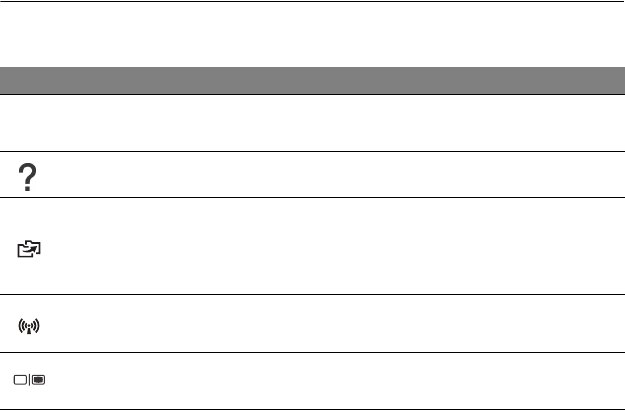
Icon Function Description
Fn
Hotkey for second
function
Activates a second function on certain keys.
E.g. press the Fn key to activate the F1 to F12 keys.
Help Opens the Help menu.
Gateway
MyBackup
Allows you to create backup copies of your computer;
either the entire system or only selected files and
folders. Create a regular schedule or make copies
whenever you want.
Communication
Enables/disables the computer’s communication
devices.
Display toggle
Switches display output between the display screen,
external monitor (if connected) and both.