
Guide





Deploying XMap 7 Using SMS
Contact DeLorme Professional Sales for support: 1-800-293-2389 Page 48
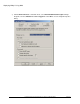
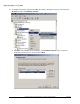
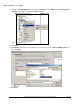
11) In SMS, expand Site Database. Then, right-click Packages, point to New, and click Package From
Definition. The Create Package from Definition Wizard
opens.
12) Click Next.
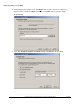
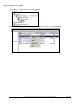
13) Click Browse, browse to the shared folder you created in step 2, select DeLorme XMap 7.msi, and
then click Open.
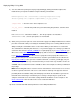
14) Click Next.